Want workflows and tools next? After you understand these metrics, read Discord community analytics for engagement-focused measurement, how to use Discord analytics to fuel community growth for playbooks, or jump to the best Discord server analytics tools in 2026 comparison.
Discord server analytics turn member activity, channel mix, and retention into decisions you can repeat weekly—not one-off guesses. In the world of online communities, few platforms rival the versatility and reach of Discord. What started as a hub for gamers has evolved into a powerhouse for creators, brands, educators, and communities of all types.
But building a successful Discord server isn't just about setting up channels and hoping people show up. If you want to grow, retain, and truly engage your members, you need to track the right data. That's where Discord analytics comes in.
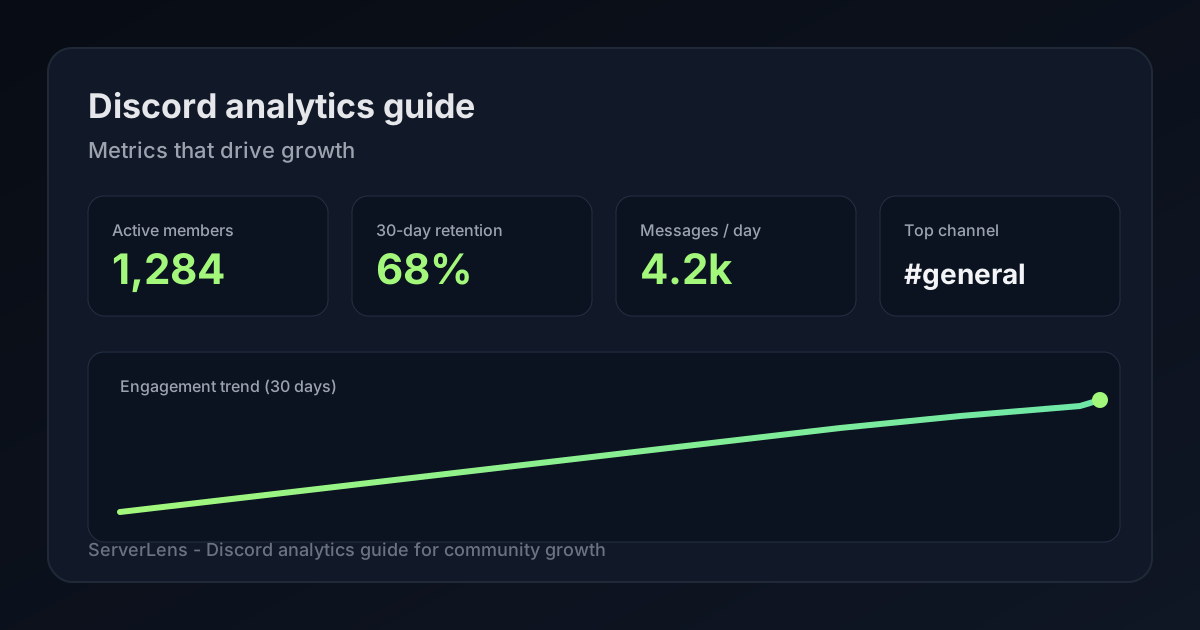
In this guide, we'll break down the most important metrics you should be tracking, how to interpret them, and how to use a tool like ServerLens to get clear, actionable insights from the web dashboard or slash commands.
Why Discord analytics matter
Many community builders rely on intuition. As your server grows, gut instincts become less reliable. You need data to:
- Understand what's working—and what isn't
- Make smarter decisions about structure and strategy
- Improve engagement and retention
- Identify issues before they become problems
Think of analytics as your community's health monitor: Measure → Evaluate → Adjust → Repeat.
Core Discord community metrics
1. Member growth rate
Tracking member count is step one, but smart growth is about quality, not just quantity. If you're adding 100 new members but losing 80 every month, you're on a hamster wheel.
- Find your leaks—when do drops happen after rule changes or weak events?
- Double down on invite sources that bring engaged members.
- Make joining feel special with descriptive invite links.
2. Daily and weekly active members
There's nothing worse than a server with thousands of members and almost no conversation. Activity is oxygen.
- Schedule events and announcements during peak hours.
- Reward regulars with shoutouts, roles, or early access.
- Re-engage lurkers with friendly DMs before they churn.
If daily active users are below ~10% of total members, it's time to shake things up.
3. New vs returning members
Getting new members is exciting, but retention is everything.
- Nail the first impression—members who post in week one are far more likely to stay.
- Spot drop-off points (day 3 vs day 30) and fix onboarding or event cadence.
- Win back inactive members with exclusive invites or FOMO-friendly events.
4. Channel engagement
Not all channels pull equal weight. Prune zombies, fuel winners, and fix channels with many readers but few posters.
Roughly 20% of channels drive 80% of engagement—find them with analytics.
5. Message volume and activity trends
Messages are your server's pulse. When volume drops, diagnose:
- Ride activity waves around recurring content.
- Jump-start dead days with low-effort prompts.
- Repeat formats that spark unusually high reply counts.
Track messages per member—if a tiny group sends half your messages, you have a lurker problem.
6. Churn and inactivity
Even great servers lose members. Survey departures, flag "losing momentum" members early, and prevent moderator burnout.
Discord analytics tools compared
Discord ships Server Insights for eligible Community servers (typically 500+ members). Dedicated tools like ServerLens add dashboards, slash commands, and AI for servers of any size.
| Capability | Discord Server Insights | ServerLens |
|---|---|---|
| Minimum server size | Community, ~500+ members | Any size |
| Web dashboard | Basic in Discord | Full analytics dashboard |
| Slash commands in chat | No | Yes — see /commands |
| AI plain-English queries | No | /ai on paid plans |
| Channel heatmaps & trends | Limited | Yes |
For a fuller 2026 comparison (Insights, ServerLens, Statbot, CommunityOne), see best Discord analytics tools. For product screenshots and feature detail, visit the ServerLens features page. For command reference, see Discord admin slash commands.
How to use ServerLens to track these metrics
ServerLens gives you slash commands inside Discord plus a web analytics dashboard for trends over time.
Step 1: Install ServerLens
- Install via the ServerLens app or the Discord App Directory.
- Select your server and grant required permissions.
- Data collection begins immediately.
Step 2: Pull insights with slash commands
See the full slash command reference for examples. Common starting points:
/stats days— engagement over a timeframe/user @Username— member activity trends/channel #general— channel engagement/top-users days— most active members
Step 3: Dive deeper in the dashboard
Visit the web dashboard or your ServerLens dashboard for charts, member analytics, channel performance, engagement trends, and custom date ranges.
Turning insights into action
Optimize your schedule
Post announcements before peak hours, automate evergreen content during lulls.
Refine server structure
Archive channels with fewer than ~5 messages in 14 days. Merge redundant channels. Promote high-engagement channels to the top of the list.
Increase retention
Fix onboarding if members leave after 72 hours—see Discord onboarding best practices. Use "Members Losing Momentum" lists for win-back outreach.
Celebrate success
Weekly shoutouts, milestone roles, and surprise DMs to top engagers cost little and compound loyalty.
Make analytics a weekly or monthly habit—not a one-time fix.
Get started with ServerLens today
- Sign up for ServerLens
- Install the bot in your server
- Explore your data immediately
- Pair insights with our five-step growth guide
For a focused walkthrough on turning analytics into growth strategy, see how to use Discord analytics to fuel community growth. Explore realtime analytics and /ai in Discord when you are ready to query data in plain English.